

Firefox V3 in Use at Planet Chiropractic
By Michael Dorausch, D.C.
Over the weekend I downloaded the latest release candidate available for the Firefox browser by Mozilla. According to reports, this release candidate (RC1 of version 3) features some improvements in security and performance. Even though the browser is available for public use, the RC one release candidate is intended for those wishing to test the browser, and not general users.
I typically run at least 3 open Firefox windows, with 30 plus open tabs, on a three monitor setup (system running Windows XP). I’ve been using a previous beta version of the newer browser for a few weeks now so I thought I’d share my findings as to date.
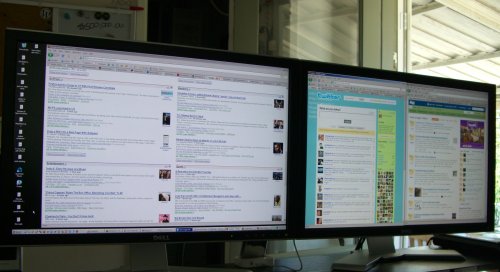
When firing up the installed browser for the first time I discovered I couldn’t run the Google toolbar and a few other plug-ins I normally use in Firefox. While different people have various reasons for upgrading, mine was improved performance. Having 30, 40 or even 50 open tabs can become a real memory hog. So far Firefox 3 RC1 has far outperformed my install of Firefox 2 so I’m okay with a crash every once in a while.
If you’re testing out this most recent version of the Firefox browser and you’re concerned about tabs shutting down and forgetting which sites you were on, I recommend a few simple steps. In your Firefox browser select Tools > Options and look for where it says Startup (in the main section). Check the drop down box that reads When Firefox starts: Show my windows and tabs from last time.
Something I noticed regarding increased security was when I attempted to login to one of my domains that doesn’t have a certificate for SSL encryption. Even though it’s my domain and I trust it, Firefox reminded me that a Secure Connection Failed and let me know my particular domain uses an invalid security certificate. It’s easy to add an exception and I like that the browser passes along this sort of information.
I haven’t yet installed this beta software release of Firefox on my Ubuntu machine, but I plan to do that next. Release candidate 1 is available in more than 45 languages and you can find Windows, Mac Os X, and Linux versions here… www.mozilla.com/en-US/firefox/all-rc.html
planetc1.com-news @ 1:08 pm | Article ID: 1211227739